Timeline
Release cards populated from generated.yaml. Each card in featured_release_ids is matched against generated.releases[].
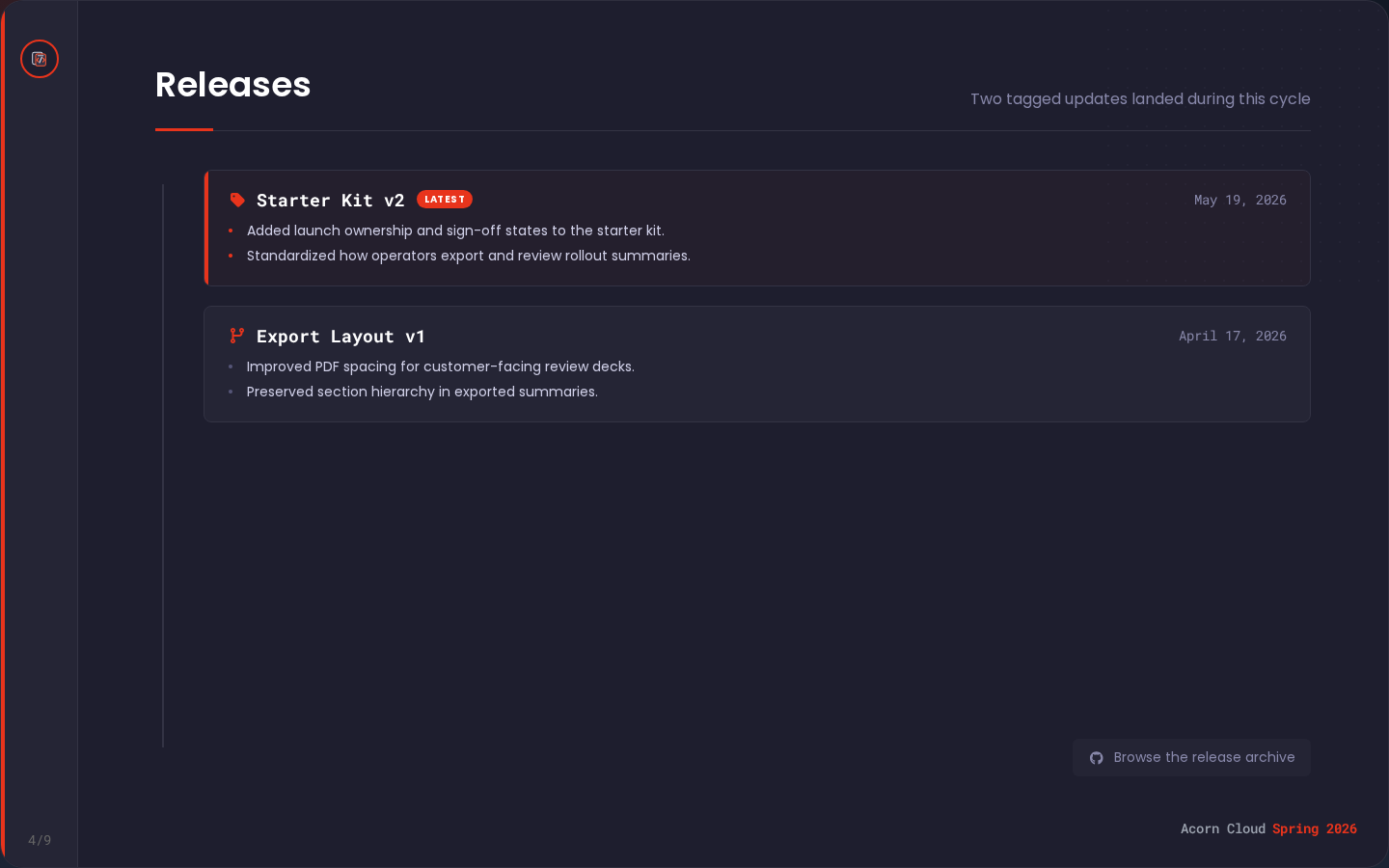
Example
Slide (in presentation.yaml)
yaml
- template: timeline
  enabled: true
  title: Releases
  subtitle: Two tagged updates landed during this cycle
  content:
    latest_badge_label: Latest
    footer_link_label: Browse the release archive
    latest_release_fa_icon: fa-tag
    release_fa_icon: fa-code-branch
    footer_link_fa_icon: fa-github
    featured_release_ids:
      - starter-kit-v2
      - export-layout-v1
Matching data (in generated.yaml)
yaml
generated:
  releases:
    - id: starter-kit-v2
      version: Starter Kit v2
      published_at: 2026-05-20
      url: https://example.com/releases/starter-kit-v2
      summary_bullets:
        - Added launch ownership to the starter kit.
        - Standardized rollout summary exports.
    - id: export-layout-v1
      version: Export Layout v1
      published_at: 2026-04-18
      url: https://example.com/releases/export-layout-v1
      summary_bullets:
        - Improved PDF spacing for review decks.
Data sources
| Region | Source |
|---|---|
| Cards | featured_release_ids matched to generated.releases[] |
| "Latest" badge | content.latest_badge_label on the first card |
| Version and date | generated.releases[].version, .published_at |
| Card bullets | generated.releases[].summary_bullets |
| Footer link | content.footer_link_label with href site.links.repository.url/releases |
Fields
| Field | Required | Type |
|---|---|---|
title | yes | string |
subtitle | string | |
content.featured_release_ids | yes | string[] |
content.latest_badge_label | string | |
content.footer_link_label | string | |
content.empty_state_title | string | |
content.empty_state_message | string | |
content.latest_release_fa_icon | string | |
content.release_fa_icon | string | |
content.footer_link_fa_icon | string |
IDs with no matching generated.releases[] entry are skipped. An empty featured_release_ids array shows the empty state copy if provided.
Icon defaults are fa-tag for the first release, fa-code-branch for later releases, and fa-github for the footer link. Icon fields use supported values from the Font Awesome icon reference.